Your wristwatch heart-rate can misread at the London Marathon, and you do not have to guess your way through it. So, what to do when your watch misreads heart rate during the london marathon is simple in principle: eliminate the common causes first, then escalate to better sensors if accuracy still matters.
Start with the basics that most people skip. Make sure the watch sits snugly above the wrist bone, confirm you selected the right activity profile, and verify your age, height, weight, and max heart rate are correct so the watch is calculating against the right assumptions.
Next, rule out sensor obstruction and physiology. Clean the optical sensor, avoid lotions or sunscreen residue, warm up for 10 to 15 minutes, and tighten the band to reduce “cadence lock” and lag from arm movement. If readings remain unreliable, switch to a chest strap or arm monitor for the most trustworthy data, and reboot or update the device if needed before you settle into your pace.
Fix The Fit Before You Fix The Heart
When your watch misreads heart rate during the London Marathon, the first failure point is not your biology. It is the band position. A wrist sensor works only when it stays in stable contact, especially during pounding strides and arm swing.
Check that the watch sits snug on your wrist above the wrist bone, not loose enough to shift when you run. If it feels even slightly mobile, tighten it and consider a band that grips better, such as silicone or nylon style bands that resist bounce.
What good is a “heart rate” number if the sensor is constantly losing contact? Fix contact first, then chase settings.
Choose The Correct Activity Profile And User Data
A misread often comes from assumptions baked into the device. If you used the wrong activity profile or your watch thinks you have different physiology, the heart rate zones and displayed metrics can look wildly off.
Before you start, verify:
- Correct activity profile selected for running
- User profile fields set correctly including age, height, weight, and max heart rate
Have you changed bands, updated the watch, or switched phones recently? Those events can cause profile or pairing mistakes, and you only notice them once the race clock is running.
Clean The Sensor Like You Mean It
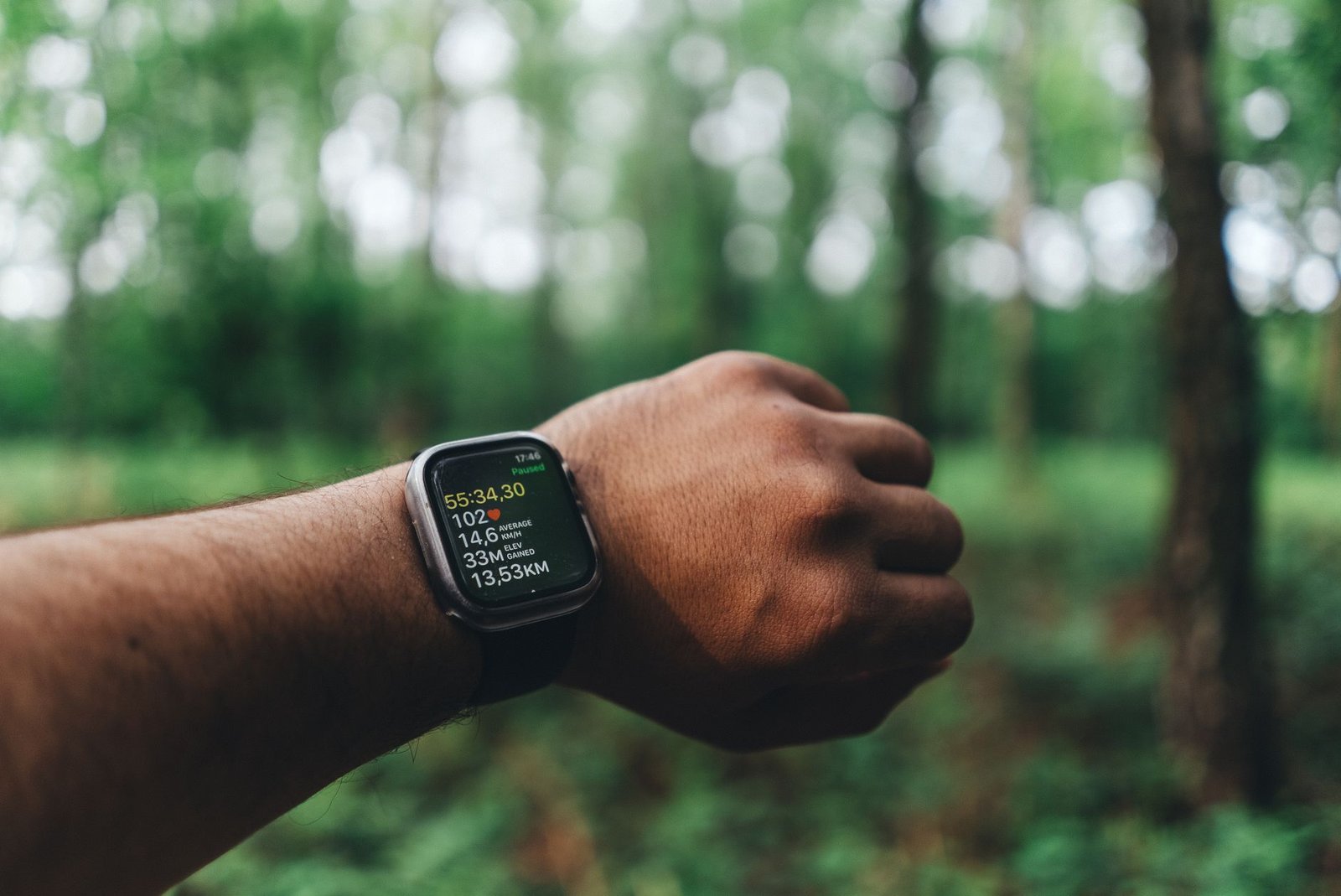
Optical heart rate sensors hate obstruction. Sweat is not the enemy, but sunscreen, lotions, and residue can block the optical window and distort readings.
Clean the optical heart-rate sensor on the back using fresh water and a lint-free cloth, then dry it fully. Avoid putting lotion or sunscreen over the sensor area, and if you have tattoos, don’t assume the watch will perform equally well over tattooed skin.
Bad readings rarely start with “mystery.” They start with something on the lens.
Warm Up To Beat Cold-Induced Drift
Cold reduces blood flow near the wrist and can make readings less stable. On race morning, you may feel warm by the start, but your peripheral circulation can lag behind.
Warm up for 10 to 15 minutes before starting when conditions are chilly. Keep your hands warm, and avoid unnecessary pauses that cool your wrists while you wait.
Does the watch behave strangely only early in the race? That pattern often points to temperature and circulation, not fitness.
Stop Chasing Instant Numbers
Even with perfect fit and clean sensors, wrist heart rate can lag during surges in intensity. After hard accelerations, the watch may take a few seconds to catch up, and it can smooth the signal in a way that makes it look inconsistent.
Instead of reacting to every spike, watch trends over short windows. If the number jumps immediately after a sprint, then settles, that is frequently a timing issue, not a cardiac event. Cadence and arm motion can also override the pulse signal for moments.
Do you need a perfect number every second, or do you need pacing guidance for the next mile? Use what the watch does best and ignore the rest.
Identify Cadence Lock And Correct Band Position
Cadence lock happens when arm movement and motion artifacts dominate the optical signal. The watch then “locks” onto a rhythm that matches your stride or wrist motion rather than your pulse.
Here is a quick field guide that matches common patterns to fixes, consistent with official troubleshooting tips:
| Symptom Pattern | What It Usually Means | Fast Fix |
|---|---|---|
| HR Spikes With Sprints | Arm motion dominates | Tighten band |
| HR Flat Then Sudden | Sensor contact lost | Re-seat higher |
| HR Too Low Early | Cold peripheral flow | Warm up longer |
| HR Reads “Smooth” At High Intensity | Wrist lag smoothing | Use averages |
| HR Wild After Wet Weather | Residue or obstruction | Clean and dry |
To reduce cadence lock, wear the watch higher up on your wrist and tighten it securely. If your readings look “wrong” right after form changes, treat it as a sensor-position problem until proven otherwise.
When Accuracy Is Critical Use A Chest Strap
If your goal is strict intensity control, wrist sensors can be the weak link at high effort. Many runners see systematic errors or lag, especially when cadence and intensity jump quickly.
A chest strap or dedicated arm heart-rate monitor provides more reliable readings during maximal pacing. If you have used one before, bring it. If you have not, test it on a few runs beforehand so race day is not your first trial.
Is it worth risking pacing decisions for the sake of convenience? If accuracy matters, use the tool built for it.
Restart And Update Without Guesswork
Sometimes the watch simply gets stuck. If heart rate looks broken from the beginning, try a quick device restart and confirm the watch is running the latest software version.
Use only options you understand under race conditions. If your watch prompts a restart or offers an update, take it. If accuracy is failing mid-race and your manual or device prompts suggest it, a factory reset may be an option, but only if you can do it safely without losing essential settings.
In a marathon, you need a fast recovery plan, not an experiment.
Check Battery And Connectivity In The Chaos
Low battery, poor sensor wake-up, or pairing hiccups can make heart rate readings appear frozen, delayed, or erratic. In the rush of race logistics, those “boring” issues cause the most frustrating outcomes.
Before blaming the sensor, check battery level and connectivity status. Some runners report improved optical performance by lightly wetting the sensor area when it is dry, but do not turn the watch into a science project. Use minimal moisture and ensure it remains clean.
If the watch behaves normally when you walk but fails when you run, focus on sensor contact and motion artifacts, not just connectivity.
Use Backup Metrics To Maintain Pacing
Even if the watch heart rate is wrong, your race still needs decisions. Shift to backup pacing indicators like perceived effort, split times, and, if available, reliable pace from GPS.
During sections where heart rate is clearly unreliable, treat HR as “optional input” and build your plan around rhythm. Many runners do better mentally when they commit to effort-based pacing rather than chasing a faulty number.
What is the purpose of HR data if it cannot guide action? Use the data you trust and protect your performance.
Practice Sensor Accuracy Before Race Day
Race day is not the place to discover whether your watch model can handle your skin, your sweat, and your running form. If you have ever sprinted during a test run and watched heart rate drift, that is the warning you ignored.
Do a few tune-up runs and observe how heart rate behaves during hard efforts, especially in the first 10 minutes. Try different band tightness levels and confirm which position stays most stable above the wrist bone.
- Test at easy, then at marathon effort, then at intervals
- Note lag patterns and how many seconds the watch “catches up”
When you know the watch’s quirks, you stop panicking and start managing.
Log What Happened So Next Time Is Easier
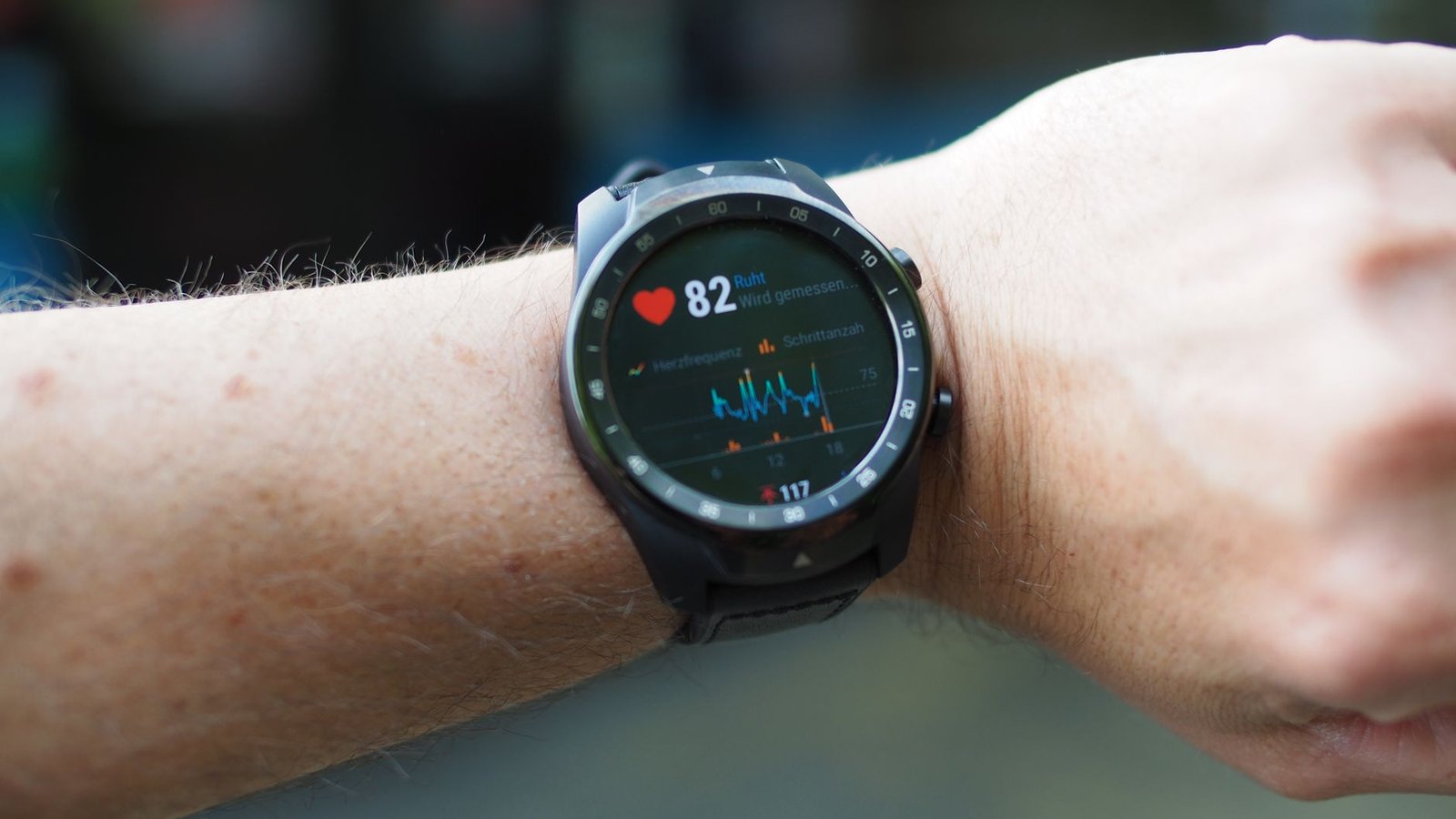
After the London Marathon, don’t just view the heart rate graph and move on. Write down what you changed: band tightness, cleaning steps, cold conditions, warm-up length, and whether the error happened early, late, or only during surges.
That record becomes your future advantage. If cadence lock appeared, note the moment and your arm position. If early readings were low, connect it to temperature and warm-up. The next race will feel simpler because you will already know the likely cause.
Why keep repeating the same avoidable failure? Make this one data point that improves your next decision.
Trust The Fixes, Not The Alarm
Heart rate misreads can feel urgent in the middle of a marathon, but your job is not to panic. Your job is to diagnose quickly, apply one or two high-impact fixes, and keep running.
Start with fit, profile, and sensor cleanliness, then adjust for cold, cadence lock, and motion artifacts. If accuracy is mission-critical, switch to a chest strap. Everything else is noise that delays recovery.
Win the race by staying rational. The watch is a tool, not a verdict.
What To Do When Your Watch Misreads Heart Rate During The London Marathon?
Why does a wrist-based watch misread heart rate during the London Marathon?
Wrist sensors can struggle when the band shifts, when the optical sensor is blocked by lotion or other residue, in cold weather that reduces circulation, or when arm movement causes “cadence lock,” creating a lag or inaccurate reading.
How can I adjust my watch fit to prevent heart-rate misreads while running?
Wear the watch snugly above the wrist bone so it doesn’t move during your stride, and use a secure band (such as silicone or nylon options) that holds position; warming up and keeping hands warm can also improve tracking.
What should I check in my watch activity settings and user profile before the London Marathon?
Confirm you selected the correct activity profile for running, then verify your user profile fields like age, height, weight, and max heart rate are accurate to avoid mismatched calculations.
How do I clean and prepare the optical heart-rate sensor for more accurate readings?
Clean the optical sensor on the back with fresh water and a lint-free cloth, dry it fully, and avoid sunscreen or lotions over the sensor area; also avoid placing the sensor over tattooed skin.
What can I do in-race if my heart-rate readings look wrong or lag behind?
If readings seem off after fast movement, remember there can be a natural delay and “cadence lock”; tighten the band securely and wear the watch slightly higher, then try a quick device restart and check for any pending software update instructions.
When should I switch to a chest strap or arm heart-rate monitor for the London Marathon?
If accuracy is critical or wrist tracking still fails after you’ve fixed the fit, settings, and sensor cleanliness, switch to a chest strap or arm heart-rate monitor, which typically provides more reliable data during high-intensity running.
Trust the Data With These Steps
What to do when your watch misreads heart rate during the London Marathon comes down to a clear checklist: tighten the band so the sensor stays stable, confirm the correct activity and your user profile, clean and dry the optical sensor, and warm up so cold hands do not ruin accuracy. If the numbers still jump or lag, switch to a chest strap or a validated arm monitor before your race matters more than the readout.

I am Ozan, a London-focused running writer and marathon enthusiast with a passion for helping people discover the city’s best races, running routes, walking trails, and fitness events. I research and write practical, up-to-date guides covering marathons, race preparation, training tips, running gear, and everything related to staying active in London.
My goal is to create reliable, easy-to-follow content that helps runners and walkers of all experience levels explore London with confidence, whether they’re preparing for their first 5K or their next marathon.